Google Nest WiFi Add-On Point for Extending Your Mesh Network
Reach the rooms your network cannot
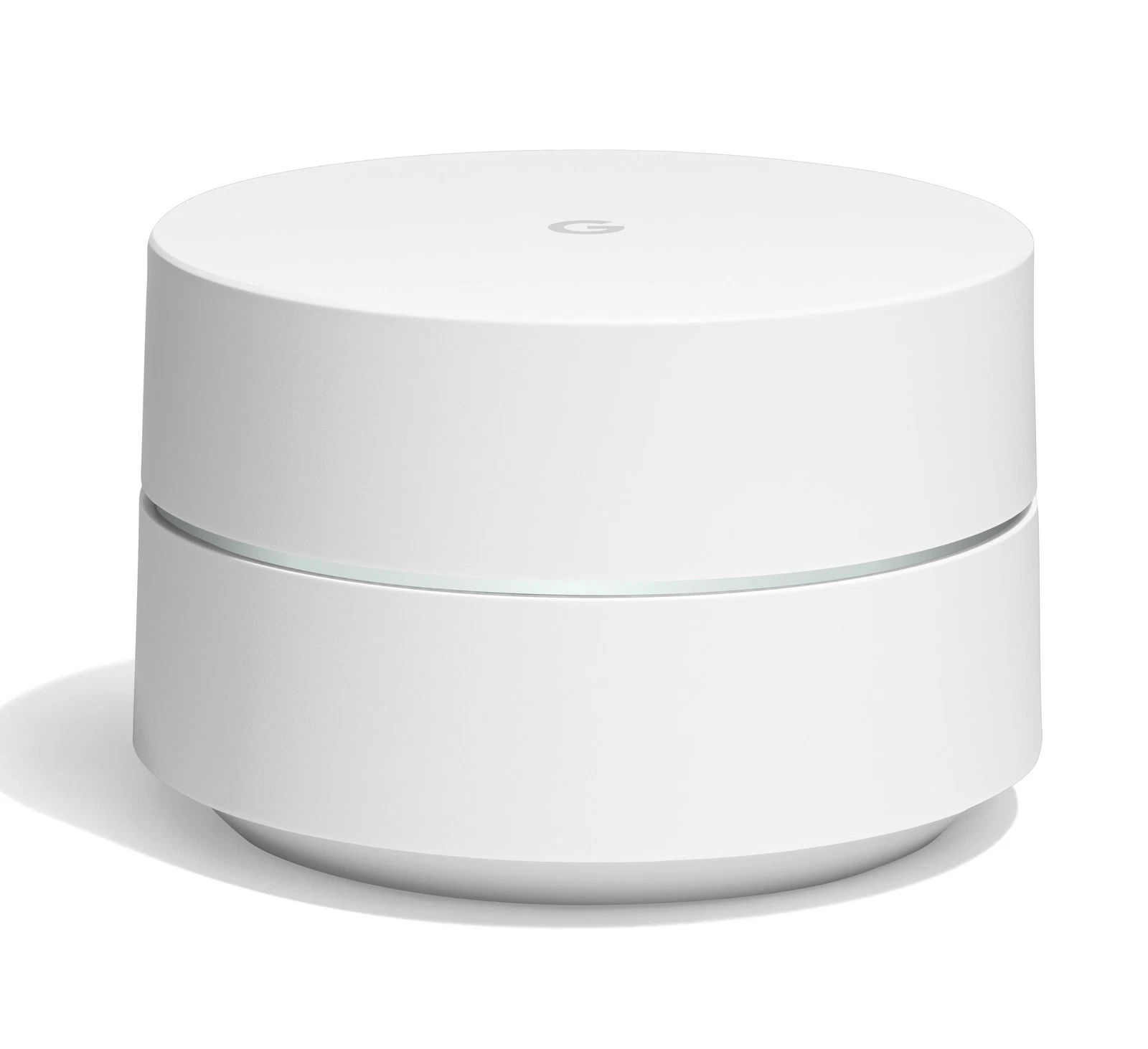
Every home has one: the bedroom, upstairs office or backyard workspace where the Wi-Fi simply gives up. The Google Nest WiFi Add-On Point exists to fix exactly that room. It joins your existing Nest WiFi network as an additional mesh node, extending the same seamless network, same Wi-Fi name and same password into the space your router and point cannot reach on their own.
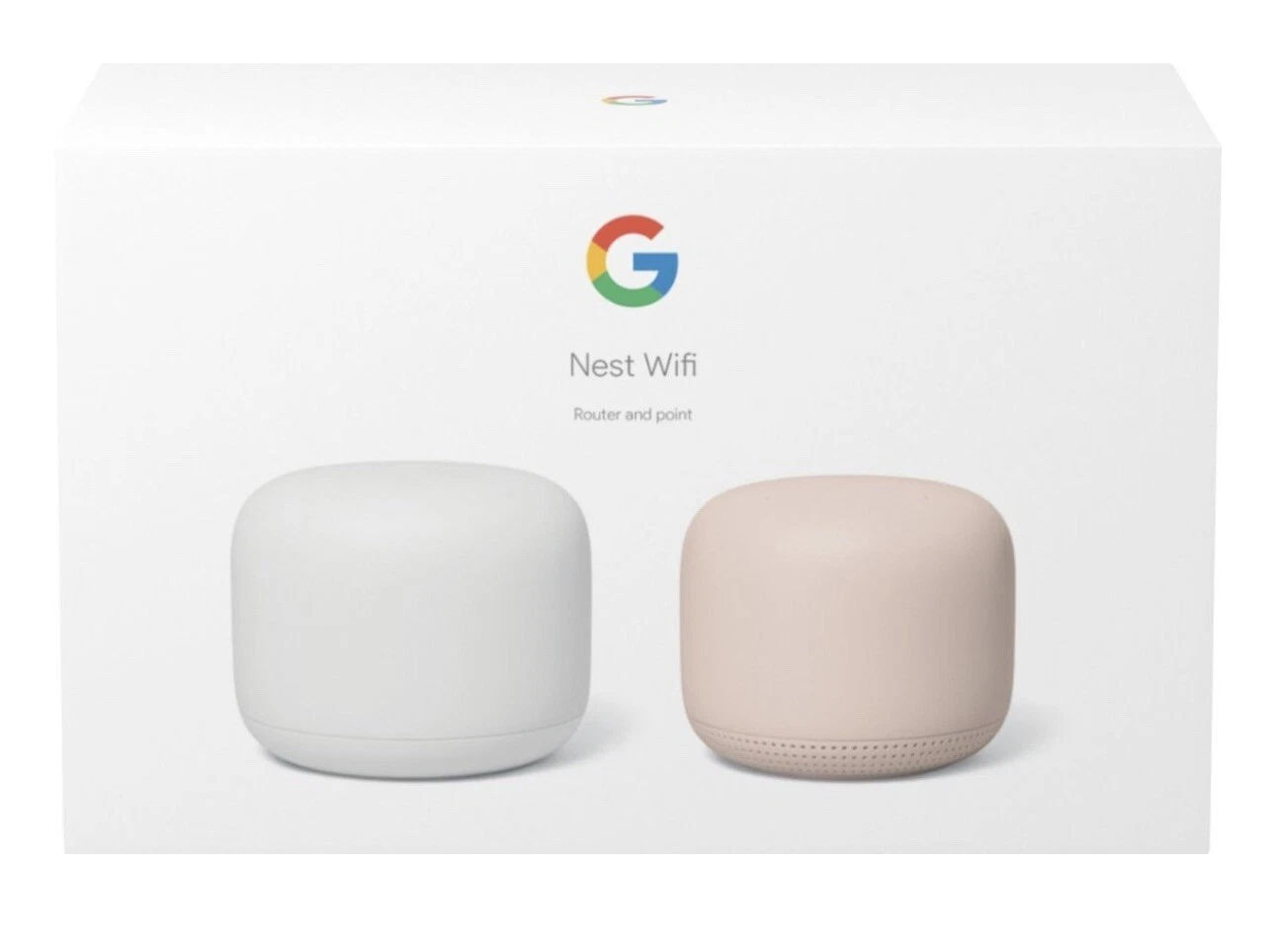
This is an expansion unit, not a standalone router. It requires an existing Google Nest WiFi system to connect to, such as the Nest WiFi Router and Point system we also stock at Umoja Marketplace Africa.
Key Features
Coverage: Up to ~1,600 sq ft
WiFi Standard: Wi-Fi 5
Type: Mesh point (requires Nest WiFi)
Extra: Built-in Google Assistant speaker
Bands: Dual-band Wi-Fi
Who this product is for
The Add-On Point is for existing Nest WiFi owners whose homes have grown beyond their current coverage. Common scenarios in Kenya include multi-storey houses where the ground-floor router struggles to serve upstairs bedrooms, homes with thick stone walls that eat Wi-Fi signal, converted servant quarters or garden offices used for remote work, and larger compounds where coverage needs to stretch further than a two-unit system allows.
If you do not yet own a Nest WiFi system, start with the Router and Point bundle instead. This unit on its own will not create a network.
Key features explained
Seamless mesh expansion. The point joins your network in minutes through the Google Home app. There is no second network name, no separate password and no manual switching. Devices roam onto the new point automatically as you move through the home.
Genuine mesh, not a repeater. Budget Wi-Fi extenders rebroadcast your signal at heavily reduced speed and create a clunky second network. A Nest point participates in the mesh intelligently, coordinating with the router so performance stays strong at the edge of the network. Google rates each Nest WiFi point as adding up to 1,600 sq ft (about 150 m²) of coverage, with real-world results depending on wall materials and placement.
Built-in Google Assistant speaker. Like the point in the main bundle, the Add-On Point doubles as a smart speaker. In a kitchen it sets timers and plays radio; in an office it answers quick questions and manages your calendar by voice; in a bedroom it works as an alarm. One device, two jobs.
Managed from one app. The Google Home app treats the expanded network as a single system. Speed tests, device lists, guest networks and family Wi-Fi controls all cover the new point automatically.
Real-world placement advice
Placement makes or breaks mesh performance. Position the Add-On Point roughly halfway between your existing router or point and the dead zone, in the open air rather than behind a TV or inside a cupboard, and ideally at waist height or above. Wi-Fi struggles most with concrete floors, so in a two-storey home, placing the point near the stairwell often works better than directly above the router.
Buying advice
Before buying, run a speed test in the problem room using the Google Home app. If the speed there is a fraction of what you get beside the router, an Add-On Point is the targeted fix. If your entire network feels slow everywhere, the issue may be your internet plan rather than coverage, and our team is happy to help you diagnose which before you spend money.
The bottom line
The Google Nest WiFi Add-On Point is the clean, purpose-built way to push your existing Nest network into that one stubborn dead zone, with a smart speaker thrown in. Order genuine stock from Umoja Marketplace Africa with delivery across Kenya.