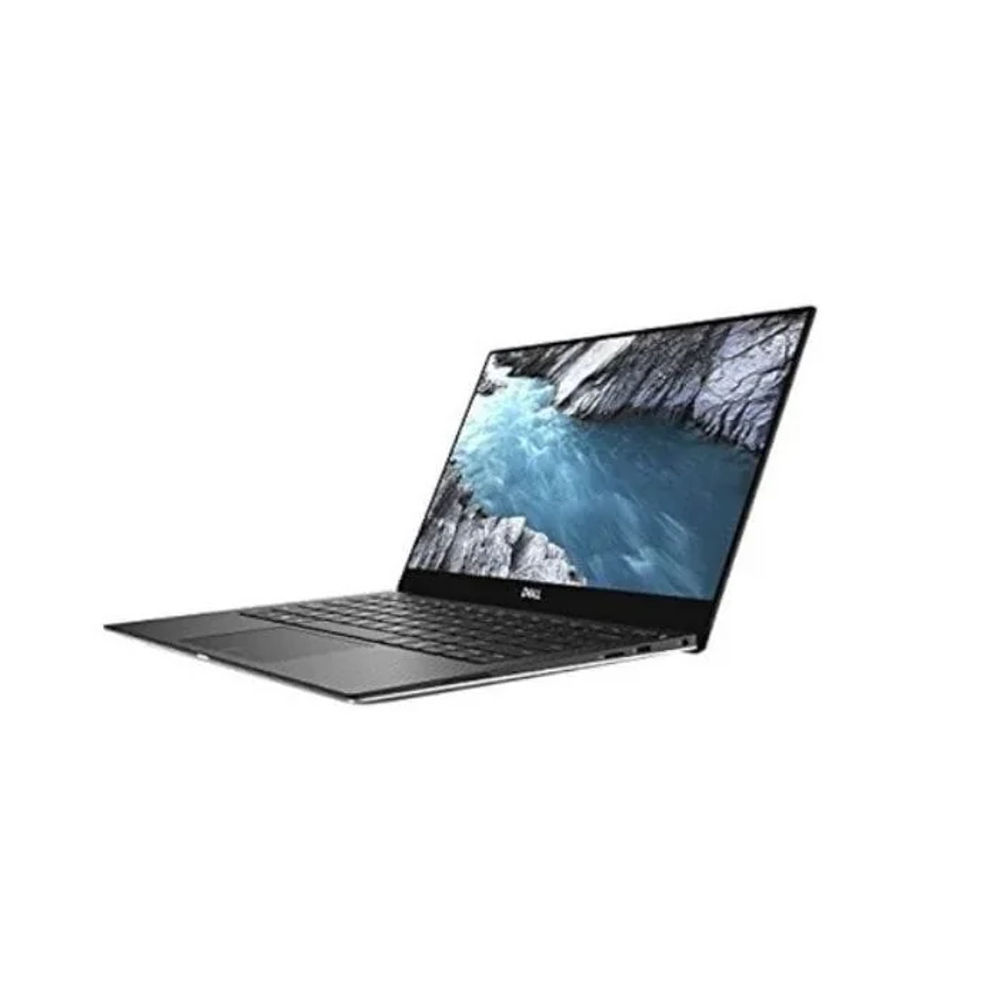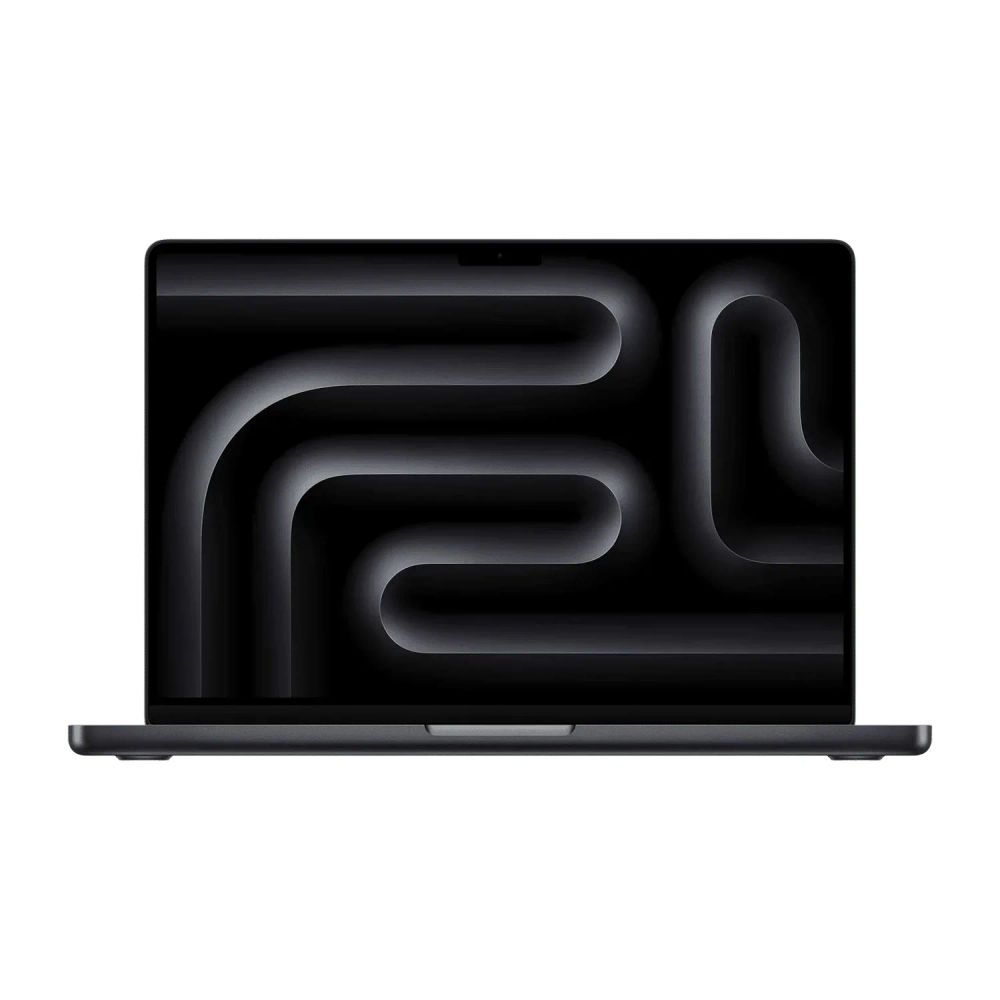
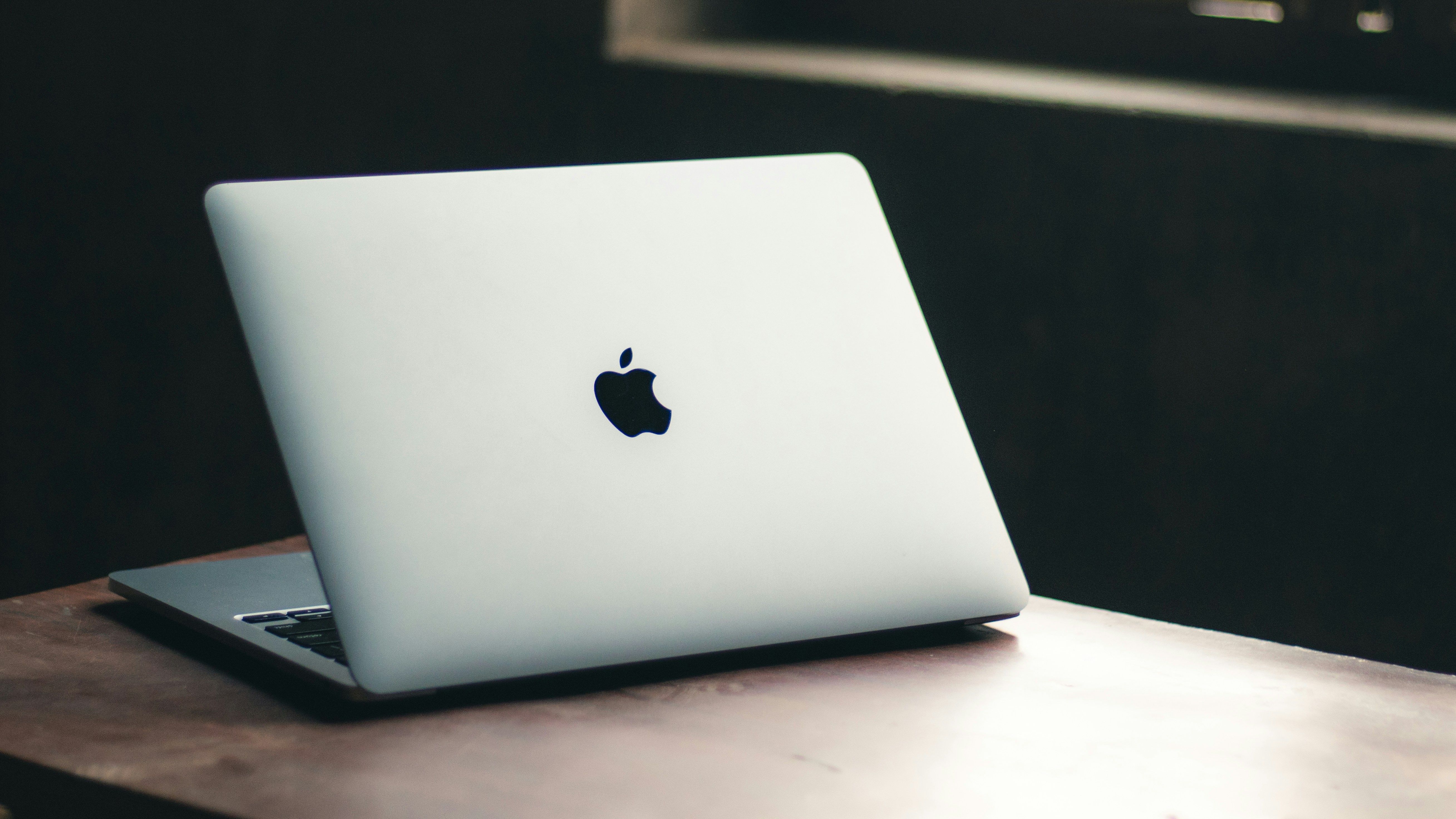
The Ultimate Laptop Buying Guide for Kenya: New, Refurbished and MacBook (2026)
Ask ten Kenyans where to buy a laptop and you will get ten different answers: a shop in Nairobi's CBD, an online marketplace, a friend who "imports ex-UK", or the official brand store at several times the price. Ask what to buy and the answers scatter even further.
Our team at Umoja Marketplace Africa spends every day matching laptops to people: students starting campus, accountants replacing a tired machine, businesses equipping a whole office, creatives eyeing their first MacBook. This guide gathers everything we have learned into one place. It explains the specifications that matter and the marketing that does not, makes the honest case for and against refurbished machines, compares the brands you will actually be choosing between, and finishes with concrete recommendations by budget and use.
One promise before we start: no jargon without explanation, and no pretending a spec matters when it does not.
A note on pricing: electronics prices in Kenya move quickly with promotions, exchange rates and stock levels. Please confirm current pricing and availability on the product listing page before ordering.
Table of Contents
Start with the job, not the laptop
New vs refurbished: the most important decision in the Kenyan market
How to judge a refurbished laptop like a professional
The specifications that matter
The business laptop families: HP EliteBook, Lenovo ThinkPad, Dell Latitude
MacBook in Kenya: Air, Pro, and whether to switch
Student laptops and 2-in-1 convertibles
Specs by use case: quick reference table
Where people go wrong: five common mistakes
Our recommendations by budget
Frequently asked questions
Key takeaways
Start With the Job, Not the Laptop
Every good laptop purchase starts with a plain sentence: "I need this machine to ___." Fill that blank first, because it decides everything else.
Documents, browsing, email and video calls need far less machine than most people buy. Accounting packages, heavy spreadsheets and twenty browser tabs need RAM above all. Photo and video editing need a strong processor and, ideally, a quality screen. Programming needs RAM and a comfortable keyboard. School needs durability more than speed. Gaming is its own conversation entirely, and a PlayStation is often the better answer per shilling; see our thoughts in the Gaming section of the blog.
Write your sentence down. When a salesperson (including us) suggests something, test the suggestion against it.
New vs Refurbished: The Most Important Decision in the Kenyan Market
Here is the fact that shapes laptop buying in Kenya: for the price of a new entry-level consumer laptop, you can usually buy a refurbished business-class machine that was built to a far higher standard.
Corporate laptops, the HP EliteBook, Lenovo ThinkPad and Dell Latitude families, are engineered for fleets: metal-reinforced chassis, spill-resistant keyboards, easily serviceable parts, and components chosen for endurance rather than a price tag on a shelf. When companies in Europe and elsewhere refresh their fleets every few years, these machines flow into markets like ours, tested, wiped and resold at a fraction of their original price.
The result is a genuine value inversion. A new budget laptop at KSh 35,000 typically carries a slow processor, 4GB of RAM soldered to a plastic board, and a keyboard designed to survive the warranty and little more. A refurbished EliteBook or ThinkPad at the same money brings a Core i5, 8GB of RAM, an SSD, and a chassis that has already proven it can survive office life and will happily survive yours.
The honest caveats: a refurbished machine has an older battery whose capacity should be tested and stated, its processor is a generation or several behind, and cosmetic marks are normal. None of these outweigh the build and specification advantages at equal price, but they are exactly why the seller's verification process matters, which brings us to the next section.
When does new win? When you need the latest processors for demanding work, maximum battery life, several years of manufacturer warranty, or simply the pleasure of an unboxing. New also wins for MacBooks if you want Apple's current M-series performance and full AppleCare eligibility, though verified refurbished Macs are excellent value too.
How to Judge a Refurbished Laptop Like a Professional
Whether you buy from us or anyone else, insist on the checks our own team performs before any unit reaches a customer:
Identity and origin. The service tag or serial number should be intact and should match the machine's software records. Be wary of machines with removed tags.
Battery health report. Windows and macOS both generate battery reports showing design capacity against current capacity. A seller who cannot or will not show you this is telling you something.
Storage health. An SSD's wear level is readable in seconds with free tools. HDDs in older machines should be tested for bad sectors, and frankly, at today's prices, we recommend upgrading any HDD-only machine to an SSD; it is the single most transformative upgrade in computing.
Keyboard, ports, screen, hinges. Every key pressed, every port tested, screen checked for dead pixels and bright spots, hinges through their full travel. Boring, methodical, essential.
Genuine licensing. Windows should be properly activated, not running on a volume licence that will lapse.
A stated warranty. Even a short warranty separates a professional refurbisher from a box-shifter, because it prices in their confidence. Our own cover is detailed on our Warranty Information page.
The Specifications That Matter
Processor
For refurbished business machines, the processor generation matters more than the family name. As a rule of thumb our team uses: 4th to 6th generation Intel Core i5 machines are dependable budget workhorses for documents and browsing; 7th and 8th generation brought meaningful jumps in speed and efficiency and are the value sweet spot; 10th and 11th generation machines feel modern in every way and carry the longest useful runway. On the new side, current Intel Core, AMD Ryzen and Apple M-series chips are all excellent; the differences that matter show up in battery life and sustained performance, where Apple's M-series currently leads.
RAM
8GB is the working minimum for Windows in 2026 and comfortable for most people. 16GB is the right call for heavy multitaskers, accountants living in giant spreadsheets, programmers and anyone editing media. 4GB machines still exist and still sell; they suit schoolwork and light browsing, and many business laptops let you upgrade later, an advantage consumer machines increasingly deny you.
Storage: the SSD rule
Our team has one non-negotiable: buy an SSD. A laptop with a solid-state drive boots in seconds, opens apps instantly and shrugs off the knocks that kill spinning drives. 256GB is the practical baseline, 512GB the comfortable choice. If a bargain machine has a hard disk, budget for the SSD upgrade and ask our team about fitting one.
Display
13.3-inch machines prioritise portability, 14-inch is the do-everything sweet spot, and 15.6-inch suits desk-bound comfort. Full HD (1920x1080) resolution is worth seeking out on any machine you will stare at for hours. Touchscreens are a bonus, and on 2-in-1 convertibles they are the whole point.
Battery
New laptops quote optimistic figures; halve them for real life. Refurbished laptops depend entirely on the specific unit's battery health, which is why the report matters. Either way, Kenyan life rewards a laptop that charges over USB-C, because one good GaN charger or a 140W-class power bank like the Anker 737 can then back up your laptop and phone together through a blackout.
Ports and connectivity
Business laptops shine here: full-size USB ports, HDMI, often Ethernet. Thin modern machines and MacBooks may give you little beyond USB-C, in which case a compact USB-C hub restores the missing ports for very little money. Wi-Fi 6 support arrived broadly with 10th generation era machines and is a nice-to-have as Kenyan fibre speeds climb.
The Business Laptop Families: HP EliteBook, Lenovo ThinkPad, Dell Latitude
These three families dominate the refurbished market for good reason, and choosing between them is mostly personality, because all three are built superbly.
HP EliteBook is Kenya's default business laptop, seen in every office and lecture hall. The 840 series, its 14-inch heart, pairs a famously tough chassis with easy serviceability and the widest local familiarity: any technician in the country knows an 840. The compact 830 series offers the same DNA at 13.3 inches, and the ProBook line delivers the value tier below.
Lenovo ThinkPad is the connoisseur's pick: the best keyboards in the business, understated black styling, and legendary reliability. The compact X series (X270, X280) is beloved by travellers, and the X1 line is the premium statement.
Dell Latitude matches the other two on build and adds a particularly strong 2-in-1 convertible range. The education-grade 3190 is practically indestructible by school standards, while the 7000 series competes at the executive end.
Our full three-way comparison, HP EliteBook vs Lenovo ThinkPad vs Dell Latitude, picks winners by use case. The short version: choose HP for familiarity and serviceability, Lenovo for the keyboard and travel weight, Dell for convertibles and screen options, and do not lose sleep either way.
MacBook in Kenya: Air, Pro, and Whether to Switch
We now stock MacBook Air and MacBook Pro alongside our Windows range, so this guide would be incomplete without a straight-talking version of the Mac conversation.
Why people switch. Apple's M-series chips deliver outstanding performance with remarkable battery life, all-day working away from a socket is realistic on a MacBook Air, and macOS is polished, secure and largely maintenance-free. Build quality is exceptional, resale value is strong, and for anyone already carrying an iPhone, the ecosystem conveniences (messages, AirDrop, photos) are real daily pleasures.
Why people should pause. The entry price buys a far higher-specced Windows machine, particularly a refurbished business one. Some Kenyan workplace software, banking utilities and niche tools remain Windows-only, so check your critical apps before switching. Port selection is minimal without a hub, storage upgrades after purchase are impossible, and repairs cost more.
Air or Pro? For most people the MacBook Air is the right Mac: silent, light, and more than powerful enough for documents, browsing, teaching, business and even substantial photo work. The MacBook Pro earns its premium for sustained heavy loads: serious video editing, music production, software development at scale. If you do not recognise your work in that second list, buy the Air and enjoy the savings. Exact chip, memory and storage configurations vary by unit, so confirm the current specification on the product listing or with our team before ordering.
Undecided between platforms? Our comparison guides MacBook Air vs Windows Laptops and MacBook Air vs MacBook Pro go deeper.
Student Laptops and 2-in-1 Convertibles
For school-age students, prioritise survivability. Education-grade convertibles like the Dell Latitude 3190 2-in-1 and HP ProBook x360 11 series were engineered for exactly this life: reinforced corners, spill-aware keyboards, compact 11.6-inch touchscreens that flip into tablet mode for reading. A Celeron with 4GB and an SSD handles schoolwork honestly; the i5 variants add headroom for exam-year research marathons.
For university students, the calculus changes: a 14-inch refurbished business machine, an EliteBook 840 or ThinkPad with an i5, 8GB and an SSD, offers the best blend of capability, durability and price, and will typically last the entire degree. Media and design students should weigh the MacBook Air. Our dedicated guide, Best Laptops for University Students in Kenya, ranks specific models by course and budget.
Specs by Use Case: Quick Reference
UseProcessorRAMStorageNotesBrowsing, documents, video callsi5 (any gen) / equivalent8GB256GB SSDRefurbished business class idealSchool (primary/secondary)Celeron to i34GB128GB SSDRugged 2-in-1 preferredUniversityi5, 7th gen or newer8GB256GB SSD14-inch sweet spotAccounting, heavy multitaskingi5/i7, 8th gen or newer16GB512GB SSDRAM firstPhoto/video editingi7 or Apple M-series16GB512GB SSDScreen quality mattersBusiness fleeti5, matched models8GB256GB SSDStandardise for easy service
Where People Go Wrong: Five Common Mistakes
The most common mistake we see is buying on processor badge alone: an "i7" from 2013 is slower than an i5 from 2019, so always ask the generation. Second is accepting a hard disk in 2026; the SSD difference is not subtle. Third is ignoring battery health on refurbished units, the one component that ages regardless of care. Fourth is overbuying: a KSh 90,000 machine for WhatsApp Web and Word serves no one. And fifth is underbuying storage on MacBooks and thin Windows machines, where nothing can be added later.
Our Recommendations by Budget
Under KSh 25,000. Refurbished education convertibles and older-generation business machines: a ProBook 11, Latitude 3190 or an early EliteBook 840. Honest machines for schoolwork and everyday basics. Insist on an SSD.
KSh 25,000 to 45,000. The value heartland. Refurbished EliteBook 840 G3 to G5, ThinkPad X270/X280 and Latitude equivalents with i5 processors, 8GB and SSDs. For most buyers reading this guide, this bracket is where value peaks.
KSh 45,000 to 80,000. Modern-era refurbished machines (10th and 11th generation, Wi-Fi 6, brighter screens) and premium convertibles like the ThinkPad X1 Yoga and Latitude 7420 2-in-1. Also where strong new mid-range Windows laptops begin.
KSh 80,000 and above. New MacBook Air territory, high-spec new Windows ultrabooks, and MacBook Pro for genuinely heavy workloads.
Browse the full Refurbished Laptops and MacBook ranges to see current stock and pricing, which moves with the market.
Frequently Asked Questions
Are refurbished laptops good to buy in Kenya? Yes, and often the smartest purchase available, provided they are professionally tested and sold with a warranty. A refurbished business-class machine typically outbuilds and outspecs a new consumer laptop at the same price. The seller's verification process is everything.
Which laptop brand is best in Kenya? Among business machines, HP, Lenovo and Dell are all excellent; HP EliteBooks enjoy the widest local familiarity and parts availability, ThinkPads the best keyboards, Latitudes the strongest convertibles. Apple's MacBooks lead on battery life and build. There is no wrong answer among these five.
How much RAM do I need? 8GB for comfortable everyday Windows use, 16GB for heavy multitasking, media work or programming. 4GB only for basic schoolwork and light browsing.
Should I buy a MacBook or a Windows laptop? Check your essential software first; if anything you rely on is Windows-only, that decides it. Otherwise: MacBook for battery life, polish and iPhone integration; Windows, especially refurbished business class, for maximum specification per shilling and easy upgrades.
What is the difference between an i5 and an i7? Within the same generation, the i7 is faster, mostly under heavy load. Across generations, newer beats bigger numbers: a recent i5 outperforms an old i7. Always compare generation first.
Is 256GB storage enough? For documents, browsing and cloud-backed photos, yes. For large media libraries, video work or big game installs, choose 512GB, especially on machines where storage cannot be upgraded later.
Key Takeaways
Define the job before shopping, and buy for it. In Kenya, refurbished business-class laptops (EliteBook, ThinkPad, Latitude) usually beat new consumer machines at the same price, provided the seller tests and warrants them. Compare processors by generation, insist on an SSD, take 8GB of RAM as the Windows baseline, and demand a battery health report on any refurbished unit. MacBook Air is the right Mac for most people; check your must-have software before switching platforms. Match the budget brackets above to your needs and you will not overspend.